Connect your calendar to make your pods bookable
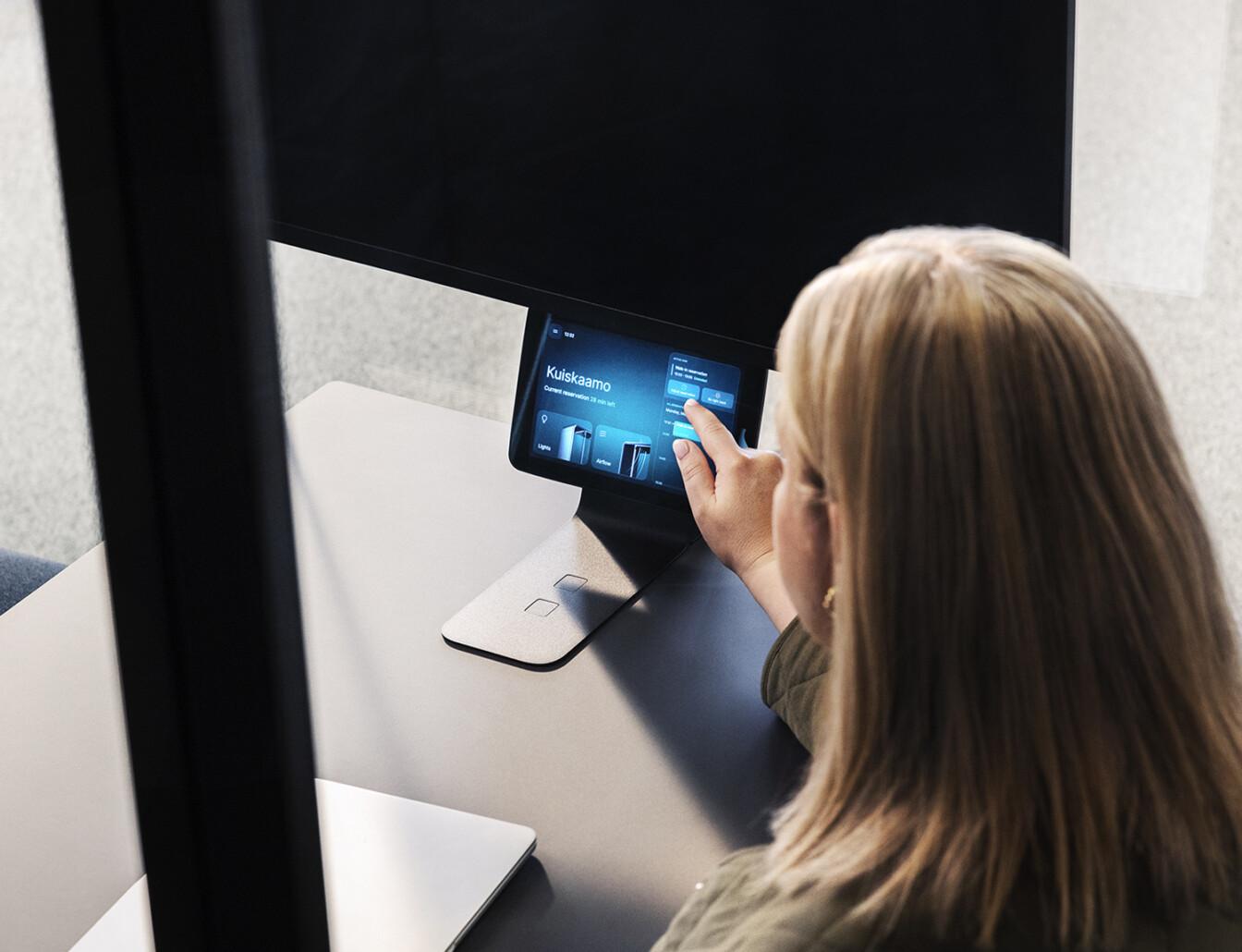
Find vacant spaces, easily book them through your workplace calendar, see upcoming reservations, and make ad-hoc adjustments through the pod touchscreen. Take advantage of your complimentary Framery Plus subscription.
Ready to connect your calendar?
The calendar connection must be handled by an administrator of your workplace calendar and Framery Connect account. This can be the facility manager, office manager or IT team.
It’s a simple process to get everything set up.
Need help?
You can always reach out to Team Framery through this form or directly from Framery Connect.
How to connect Google Workspace calendar?
Step by step guide to setup Google Workspace calendar can be found here.
How to connect Microsoft 365 calendar?
Step by step guide to setup Microsoft 365 calendar can be found here.
Where can I find more information about calendar integrations?
Additional information around Framery Connect and setup guides can be found in our Support Hub.
How do I remove the setup notice on the pod’s screen?
You have two options to remove the notice:
1. Complete the Setup: To enable booking and remove the notice, simply log in to Framery Connect™ and complete the calendar integration setup. This will connect the pod to your workplace calendar and unlock its booking features.
2. Wait for it to Disappear: If you take no action, the notice is designed to disappear on its own after a 14-day period.
Keep all the benefits of Framery Plus™
Full access to Framery’s smart office solutions
Framery Plus unlocks all the smart office features that make your pods and other spaces more efficient and easier to use.
Make your pods bookable
Enable effortless reservations by connecting pods to your workplace calendar. Framery Plus integrates seamlessly with Google Calendar and Microsoft Outlook, so booking a pod is as simple as booking a meeting room.
Simple all-inclusive subscription
You can manage your Framery Plus subscription through Framery Connect. Get full feature access, zero startup costs and unlimited account users.
Free and comprehensive customer support
From free comprehensive onboarding with a dedicated Customer Success Manager to a one-stop shop for all your office needs, we’re here to help. Self-help and quick-start instructions are available through our resource center.